The Sound Map
Hundreds of sounds, laid out like a city.
Bright to dark, calm to wild. Hover to hear, tap to add — the ones that suit your mix glow.
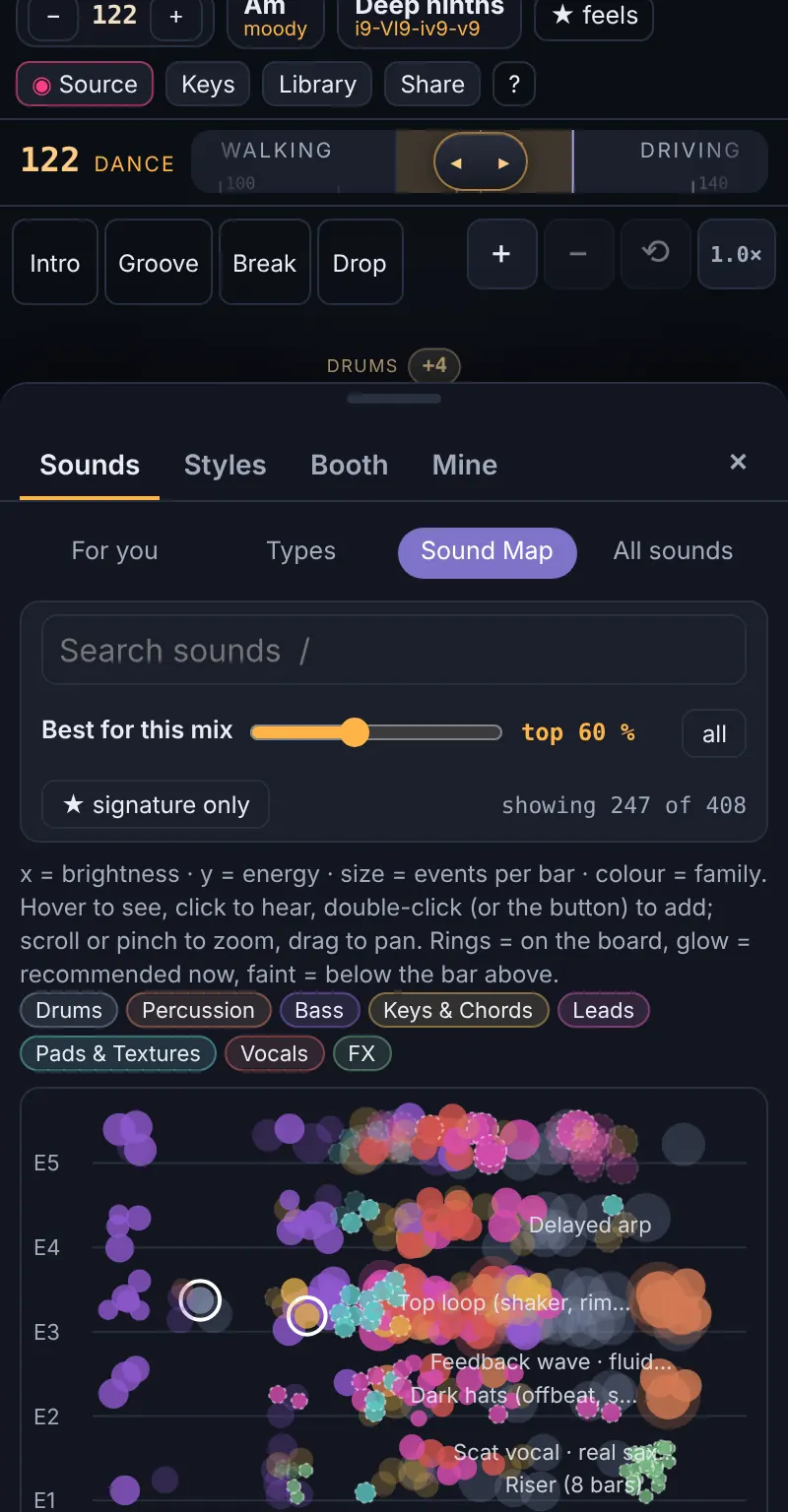
Tap a sound and it plays in half a second — in time, in key, every time. Stack a beat, drop in your own song or your voice, then share the mix. No sign-up, nothing to install, no wrong notes.
Free. No ads. No account. Nothing you load ever leaves your device.

It's playing before you let go — already on the beat, already in key with everything else.
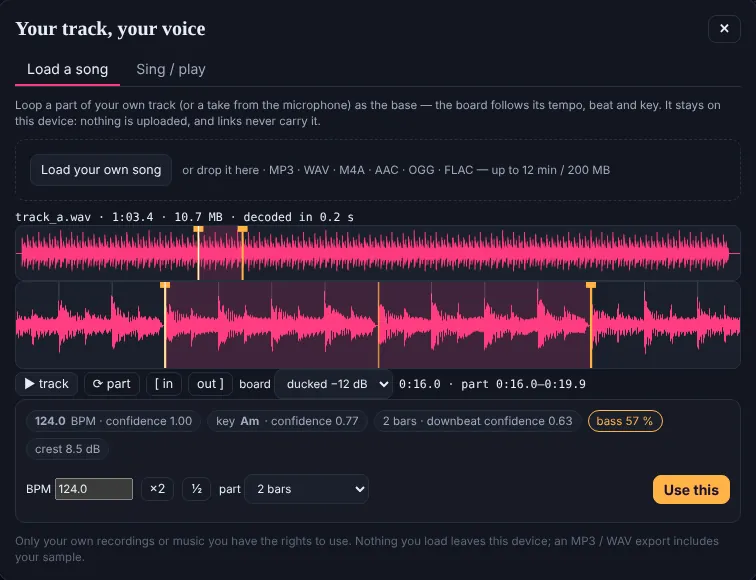
Load a track you love or sing into the mic. Loop the best bit, and the beat follows you.
Send a link that opens your mix, or save it as an MP3 to keep.
Every sound is tuned to your mix the moment you add it, so you can't play a wrong note. You just pick what feels right.
Bright to dark, calm to wild. Hover to hear, tap to add — the ones that suit your mix glow.
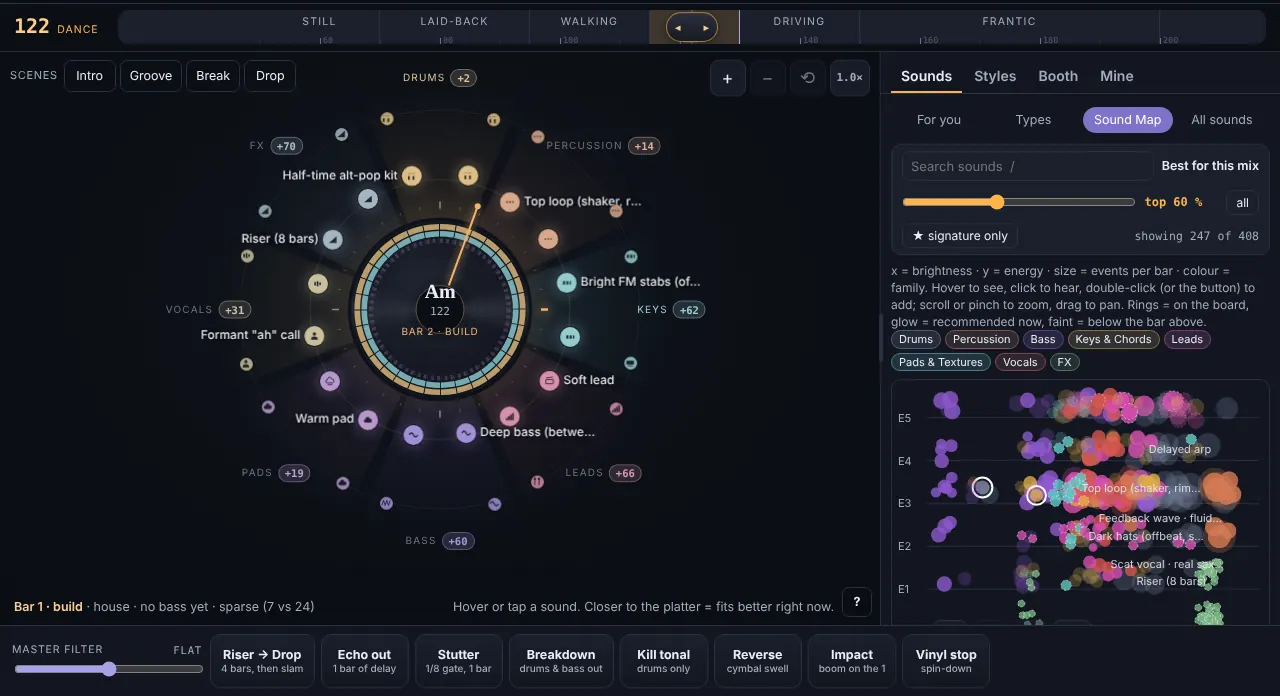
Sounds orbit the platter. The closer one sits, the better it fits this moment of your song.
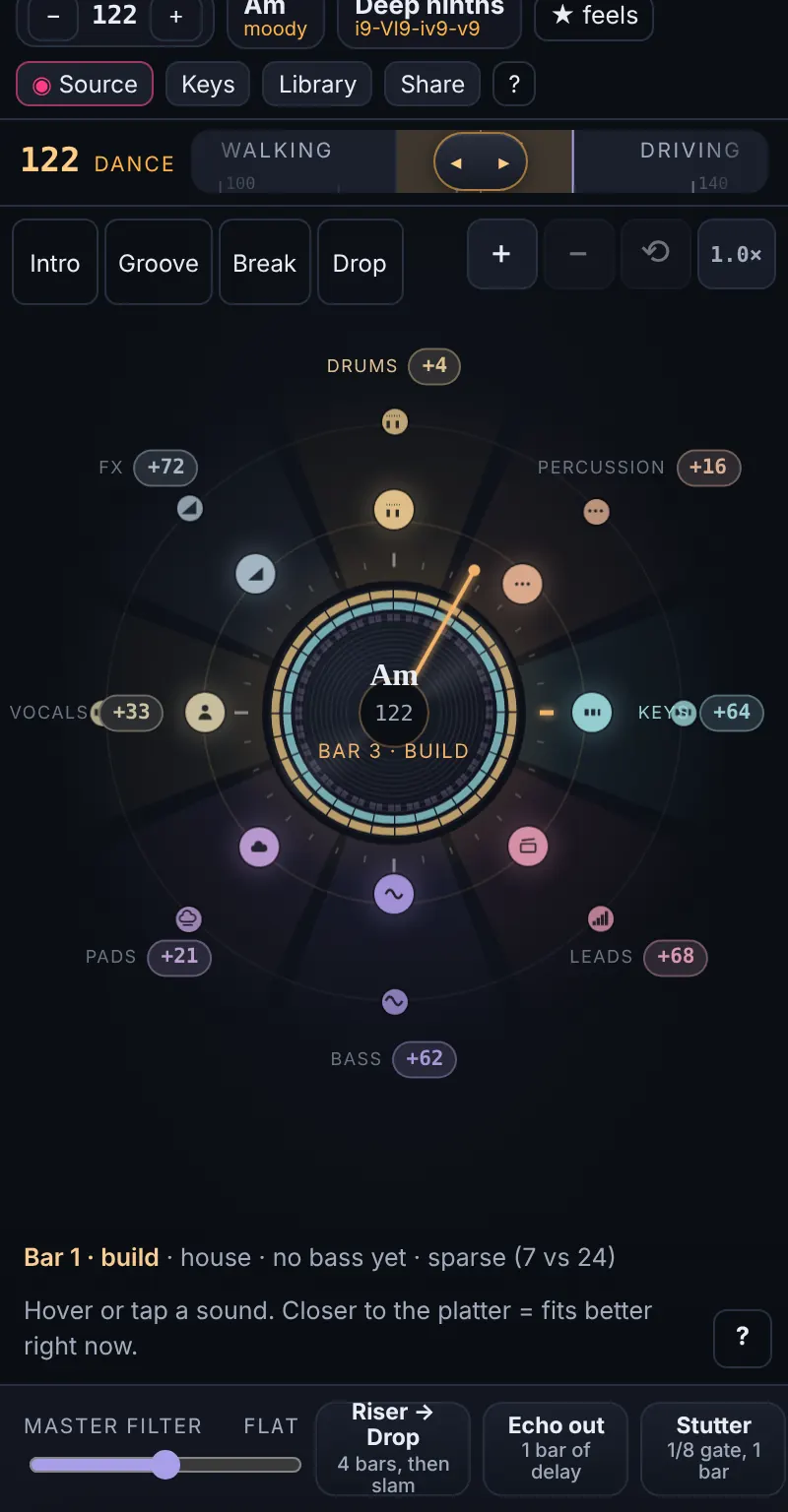
Intro, Groove, Break, Drop — plus one-tap moves like Riser → Drop, Echo out and Vinyl stop.
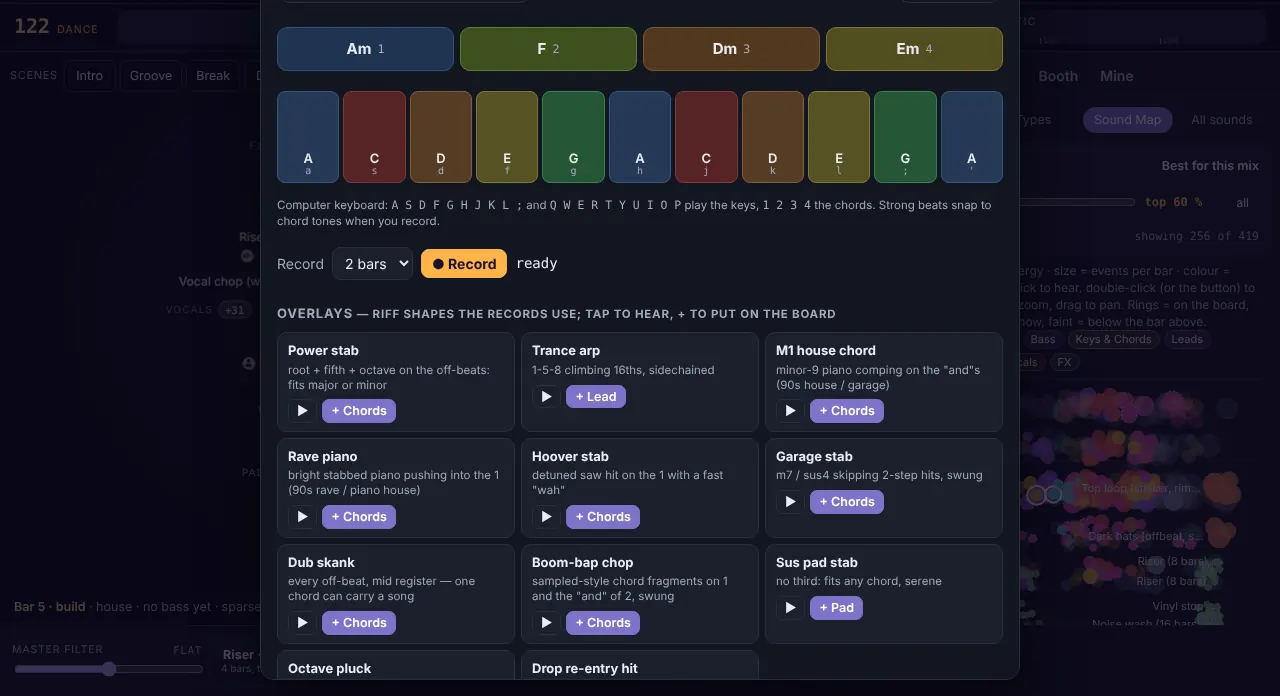
A keyboard with only right notes. Your riff snaps to the beat and the chords.
Load a track, pick the part you love, and loop it under the mix — the tempo and key follow it. Or sing a couple of bars into the mic and turn them into a hook. It all stays on your device.
408sounds61played on real instruments8families0wrong notes
Made to be handed to anyone — a kid, a parent, a producer who wants a sketchpad, someone who has never made a sound on purpose.
Big buttons, simple words, and the microphone asks every single time.
Open it and play. No account, no email, no password to forget.
No ads, no upsells, no "go premium". Just the music.
Your songs and recordings are never uploaded. They play in your browser and nowhere else.

Everybody starts at zero. 0to100 DJ gets you to a hundred in a single tap — a groove that already sounds like a record — and then lets you go as far as you want: your own sounds, your own song, your own voice.
It's part of the same family as 0to100math: one idea, from zero to a hundred, one step that works at a time.
No. A song you load and anything you record is decoded and played inside your browser, and it stays on your device. A share link carries the recipe of your mix — which sounds, the tempo, the key — never your audio; whoever opens it is asked to load their own. An MP3 you export does include your sample, because it's your own file.
Once it's open, the sounds are made right in your browser, so a shaky connection won't stop the music. Posting to the Listening Booth needs the internet. Opening the app with no connection at all isn't supported yet.
Anything your browser can play: usually MP3, WAV, M4A/AAC, OGG and FLAC, up to about 12 minutes. You can save your mix as an MP3 or WAV, or share it as a link.
Only when you tap to sing or record, and your browser asks first. In Kids mode it asks every time.
Yes. No account, no ads, no subscription.
A recent browser on a phone, tablet or computer. Headphones make it sound its best.